How to Check Your PSL Score: A Repeatable and Privacy-Aware Method
To check a PSL-style score responsibly, use a clear front-facing photograph, understand where the image is processed and test the exact same file more than once. The goal is not to discover a permanent beauty number. It is to see how one tool interprets one controlled image.
Published 2026-08-06 · Last reviewed 2026-08-06
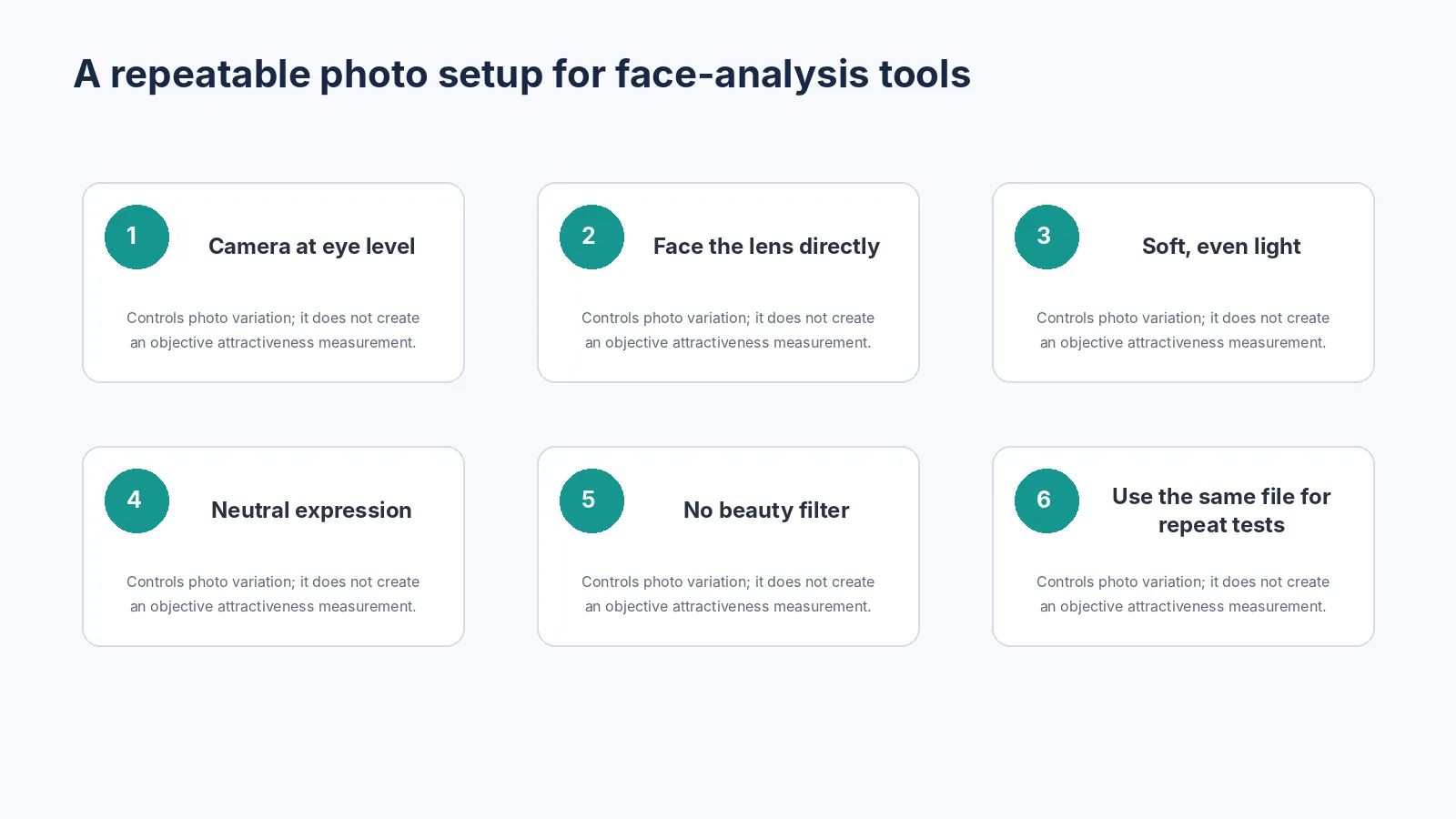
Step 1: choose the right kind of photograph
Use a recent image with one clearly visible face. The face should occupy enough of the frame for landmark detection, but it should not be an extreme close-up. Avoid group photographs, sunglasses, hair crossing the eyes, heavy blur and dramatic profile views.
- Use the original image rather than a screenshot of a compressed social-media post.
- Avoid beauty filters, face reshaping and portrait effects.
- Keep the whole forehead, eyes, nose, mouth and jaw region visible.
- Do not upload another person’s photograph without clear permission.
- Do not use photographs of children for public rating or comparison.
Step 2: control camera position
Place the camera near eye level and face it directly. A camera below the chin, above the forehead or far to one side changes the visible geometry. Close wide-angle selfies can enlarge the nose and central face relative to the ears and jaw.
For repeat comparisons, keep the same device, lens, distance, crop and orientation. Otherwise the comparison measures photography as much as facial structure.
Step 3: use soft, even lighting
Strong side light can make one side of the jaw appear sharper and the other softer. Overhead light can deepen the eye sockets. Backlight may reduce feature contrast. Soft frontal light makes landmark detection easier and produces a less dramatic image.
Step 4: keep a neutral expression
Smiling raises the cheeks, narrows the visible eye opening and changes mouth positions. Squinting, clenching or pushing the jaw forward may temporarily change the image but does not provide a neutral baseline. Relax the face and keep the lips in a natural position.
Step 5: understand the privacy model
Before selecting a face photograph, check whether the service processes it locally or sends it to a server. Read the current privacy policy instead of relying only on a badge or short marketing sentence.
Omogle’s current policy states that the selected photo and resulting facial measurements are processed locally for the core analysis and are not uploaded to Omogle’s servers for face scoring. Ordinary website requests, cookies, analytics, advertising and security data may still be processed separately.
| Privacy question | What to verify |
|---|---|
| Image transfer | Does a network request contain the selected image or encoded image data? |
| Storage | Does the provider retain photos, thumbnails or face embeddings? |
| Training | Can submitted images be used to train or improve models? |
| Identity link | Is the result associated with an account, email or persistent identifier? |
| Deletion | Can stored information be deleted, and how long is it retained? |
Step 6: test repeatability
Run the exact same file several times. A deterministic formula should normally produce the same result unless software randomness, asynchronous detection or a version change is involved. Then test controlled variations one at a time, such as lighting or a slight head turn.
- Run Image A three times without changing it.
- Record the total and sub-scores.
- Resize a copy without changing the crop and test again.
- Take one new photo with only one controlled change.
- Avoid drawing conclusions from a collection of unrelated selfies.
How to inspect a local-processing claim
On a desktop browser, open Developer Tools, choose the Network panel, clear the log and then run a test with a non-sensitive sample image. Inspect new Fetch and XHR requests. Model-file, analytics or ad requests may appear even when analysis is local. The relevant question is whether the selected image or derived face data is included in a request payload.
How to read the result
Treat the number as the output of that site’s current formula. Do not convert it into a population percentile unless the provider publishes a representative validation study. Do not compare a 6 from one tool with a 6 from another.
Check whether the result page explains what was measured, which features were not measured and how image conditions affect the score. A tool that shows limitations is more useful than one that simply declares a person attractive or unattractive.
Common checking mistakes
- Changing the photograph until a preferred score appears.
- Using a tilted selfie and interpreting asymmetry as anatomy.
- Comparing a filtered image with an unfiltered image.
- Assuming that more decimal places mean greater scientific validity.
- Uploading a third party without consent.
- Using the score to make medical, cosmetic or mental-health decisions.
When not to keep checking
Stop if testing becomes repetitive reassurance seeking, disrupts sleep, causes avoidance or makes you focus on small perceived defects for long periods. More measurements do not resolve a body-image concern when the checking itself has become part of the problem.
Frequently asked questions
What photo should I use for a PSL test?
Should I use a selfie or a portrait?
Why does the result change?
Is it safe to upload a face photo?
How many times should I test?
Can a PSL test diagnose facial asymmetry?
References
- [1] FileReader API — MDN Web Docs — Explains how a browser can read a user-selected local file.
- [2] face-api.js documentation — Official project documentation for browser face and landmark detection.
- [3] NIST Face Recognition Technology Evaluation: Demographic Effects — Broader evidence that facial-AI performance must be tested across conditions and groups; not validation of attractiveness scoring.
- [4] Omogle Privacy Policy — Current product-specific processing and provider disclosure.
- [5] Omogle Methodology — Current product-specific measurements and limitations.