Omogle App Guide: How to Use the Web Tool Safely on iPhone and Android
Omogle is designed to work as a browser-based face-rating tool. You do not need to install an unknown APK or a similarly named app to use the service described on Omogle.net. Open the verified domain in a modern mobile browser, select a photograph and follow the on-page privacy and methodology information.
Do not claim that a particular App Store or Google Play listing is official unless Omogle controls the verified developer account and links to that listing from omogle.net.
Published 2026-08-06 · Last reviewed 2026-08-06
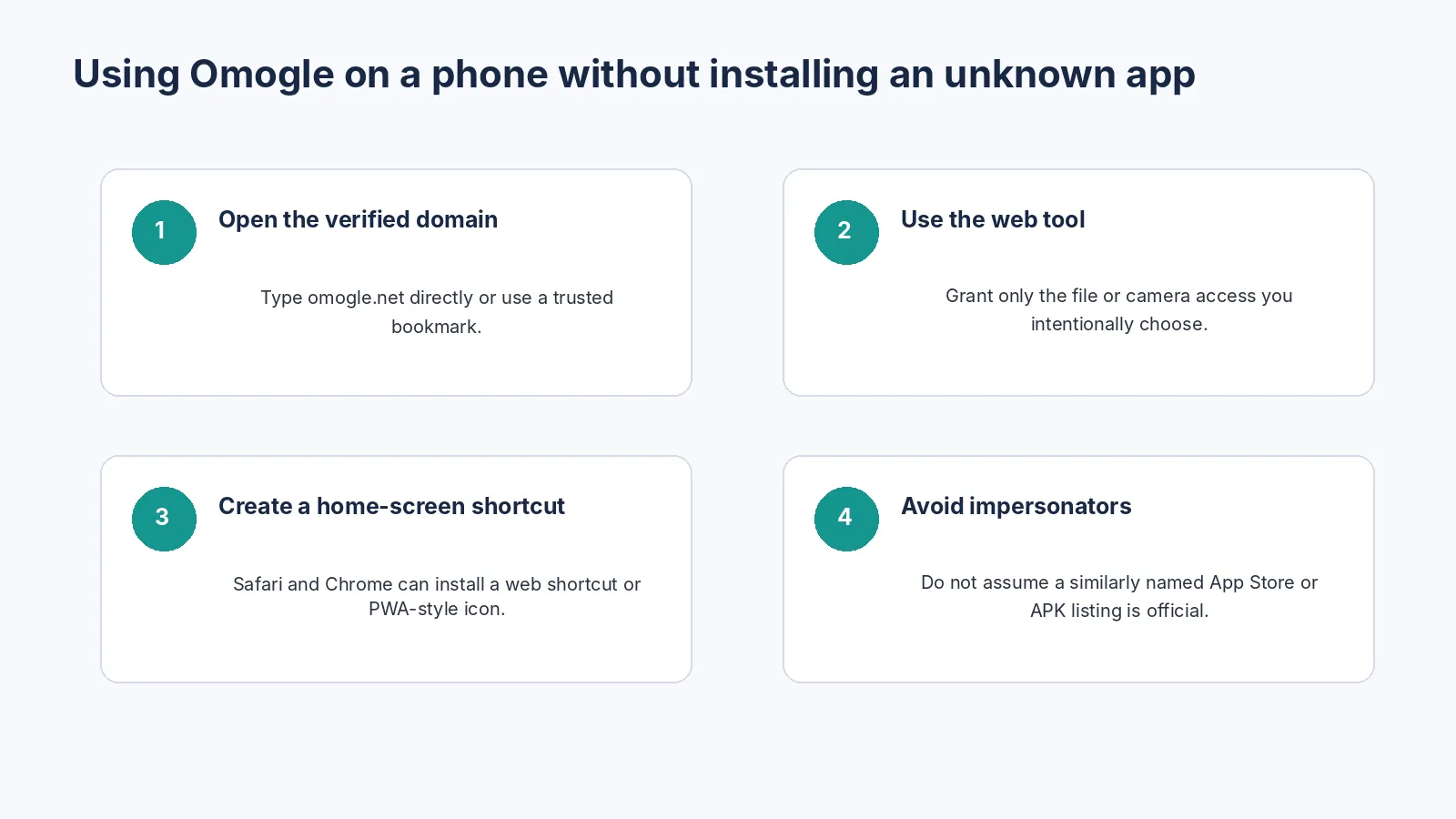
How to use Omogle on a phone
- Open Safari, Chrome or another current browser.
- Type omogle.net directly or use a trusted bookmark.
- Confirm the HTTPS address and page identity.
- Select a clear photograph using the site interface.
- Review the result and avoid sharing it without considering privacy.
- Close or refresh the page when finished.
Create a home-screen shortcut
On iPhone or iPad
Open the site in Safari, use the Share menu and choose Add to Home Screen when available. The shortcut opens the web experience; it does not automatically prove that the site is a native App Store application.
On Android
Open the site in Chrome and use Add to Home screen or Install app when the browser offers it. Browser wording varies by device and whether the site exposes progressive-web-app features.
Why the web approach supports local analysis
Omogle’s current privacy policy states that core face analysis runs in client-side JavaScript and that the selected photo and resulting facial measurements are not uploaded to Omogle’s servers for face scoring. The browser still loads scripts, model files, analytics, ads and security resources over the network.
What permissions are reasonable?
| Permission | Question to ask |
|---|---|
| Photos or files | Does access apply only to the image I select or the entire library? |
| Camera | Is it needed for the feature I intend to use? |
| Notifications | Are they necessary, or can I decline? |
| Location | A face-rating tool normally should not require precise location for core analysis. |
| Contacts or microphone | These are not required for a selected-photo face score and deserve scrutiny. |
How to avoid fake or unrelated apps
- Use the link published on the verified Omogle website.
- Check the developer name and privacy-policy domain.
- Read recent reviews but do not treat them as proof of identity.
- Avoid sideloaded APKs from unknown download sites.
- Compare requested permissions with the stated function.
- Do not enter Omogle credentials into an unrelated app; the web tool currently does not need an account for core use.
Do similar names mean the same app?
No. Omoggle, Ommogle, Omegle and Omogle may refer to different live services, clone sites or browser tools. Search-result similarity is not affiliation.
Mobile photo tips
Choose a front-facing, unfiltered image with soft light. Avoid an extreme close camera and dramatic portrait filters. If comparing results, use the same file instead of taking many new selfies.
Privacy after the result appears
Local analysis reduces server-upload risk for the selected photograph, but a screenshot or shared result can still leave the device through messaging, cloud backup or social media. Remove personal background details and obtain consent before sharing another person’s face.
Troubleshooting
| Problem | Try |
|---|---|
| No face detected | Use a clearer image with one unobstructed face. |
| Page reloads | Close memory-heavy apps, update the browser or use a smaller original image. |
| Permission denied | Use browser or device settings to grant only the permission you intend. |
| Score changes | Test the exact same file; different selfies are different inputs. |
| Unexpected upload concern | Inspect network activity or stop using the tool and contact support for clarification. |
Frequently asked questions
Is there an official Omogle app?
Can I use Omogle on iPhone?
Can I use Omogle on Android?
Does the mobile website upload my photo?
Should I install an Omogle APK?
Why does the site request photo access?
References
- [1] Omogle Privacy Policy — Product-specific processing and provider disclosure.
- [2] FileReader API — MDN Web Docs — How browsers read files selected by a user.
- [3] face-api.js documentation — Browser-based face and landmark model context.
- [4] Omogle About — Verified product identity and non-affiliation statement.